
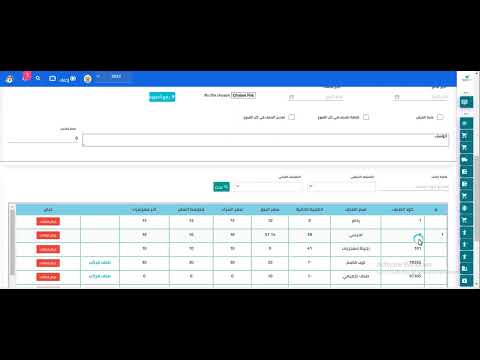
# Explanation of Updating Quantities and Names in Tailoring ## Overview This section explains how to update product quantities and names in the tailoring module within SmartPro ERP. ## Updating Quantities ### Steps to Update Quantities: 1. Navigate to the **Tailoring** module 2. Select the desired product from the list 3. Click on **Edit Quantity** 4. Enter the new quantity value 5. Click **Save** to confirm the changes ## Updating Product Names ### Steps to Update Product Names: 1. Access the **Tailoring** module 2. Choose the product you wish to modify 3. Click on **Edit Name** 4. Update the product name in the text field 5. Click **Save** to apply changes ## Important Notes - Ensure that quantity updates are accurate to avoid inventory discrepancies - Product names should follow your company's naming conventions - Changes take effect immediately after saving - A confirmation message will appear upon successful update ## Related Features - Inventory Management - Product Database - Stock Tracking - Reports and Analytics
1 min read#32Video included
Liked this guide?
Try SmartPro on your own data.
Live demo in 30 minutes, no credit card.