
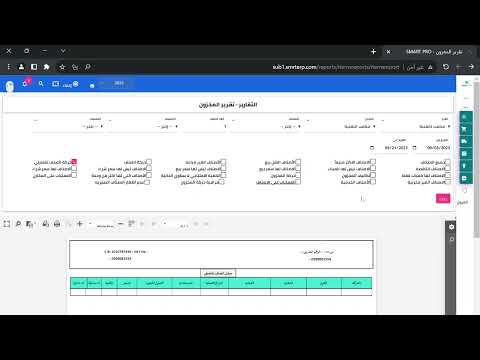
# Warehouse Report Explanation A warehouse report is a comprehensive document that displays all warehouse-related information and statistics. It helps you monitor inventory levels, track movements, and analyze warehouse performance. ## Main Components of the Warehouse Report ### 1. Inventory Balance Shows the current quantity of items in the warehouse: - **Item Code**: The unique identifier for each product - **Item Name**: The name of the product - **Current Quantity**: The available stock quantity - **Unit of Measure**: The measurement unit (pieces, kilograms, liters, etc.) - **Value**: The total cost value of the current inventory ### 2. Stock Movements Records all warehouse transactions: - **Inbound Movements**: Purchases, returns, transfers from other warehouses - **Outbound Movements**: Sales, consumption, transfers to other warehouses - **Movement Date**: The date the transaction occurred - **Reference Number**: Document number linked to the movement ### 3. Warehouse Locations Displays storage areas and their contents: - **Location Name**: Name of the warehouse section - **Item Details**: Products stored in that location - **Quantity per Location**: Stock quantity in each area ### 4. Stock Valuation Shows the financial value of inventory: - **Cost Method**: Average cost, FIFO, or weighted average - **Total Inventory Value**: The total monetary value of all warehouse stock - **Value per Item**: The cost value of each product type ## Benefits of the Warehouse Report - **Inventory Control**: Monitor stock levels and prevent shortages - **Financial Analysis**: Track inventory value and costs - **Decision Making**: Make purchasing and sales decisions based on data - **Audit Trail**: Review all warehouse movements and transactions - **Performance Monitoring**: Identify storage efficiency and issues
1 min read#10Video included
Liked this guide?
Try SmartPro on your own data.
Live demo in 30 minutes, no credit card.