
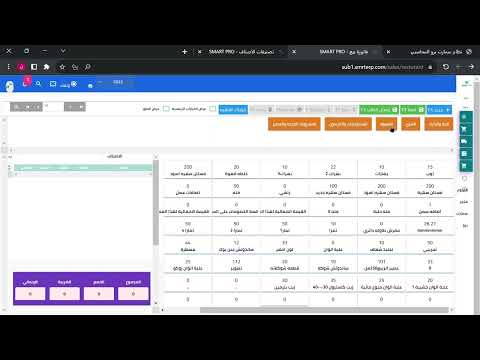
# Explanation of Classifications Classifications are fundamental organizational structures within SmartPro that help you categorize and manage various business data effectively. They serve as the foundation for organizing information across different modules of the system. ## What Are Classifications? Classifications are predefined or custom groupings that allow you to organize: - Products and services - Customers and suppliers - Chart of accounts - Inventory items - Expenses and revenues - Other business entities ## Key Benefits - **Better Organization**: Group similar items together for easier management - **Improved Reporting**: Filter and analyze data by classification - **Efficient Searching**: Quickly locate items within specific categories - **Standardized Processes**: Maintain consistency across your organization - **Enhanced Analytics**: Generate reports based on classification breakdowns ## Common Classification Types in SmartPro | Classification Type | Purpose | Example | |---|---|---| | Product Categories | Organize products by type | Electronics, Furniture, Clothing | | Customer Types | Segment customers | Retail, Wholesale, Corporate | | Account Categories | Structure the chart of accounts | Assets, Liabilities, Equity | | Expense Types | Categorize expenses | Utilities, Salaries, Marketing | | Supplier Categories | Group suppliers by type | Local, International, Special Services | ## How Classifications Work Classifications create a hierarchical structure that allows you to: 1. Create parent and sub-categories 2. Apply multiple classification levels 3. Generate detailed analytical reports 4. Control access and permissions by classification 5. Automate business processes based on classification rules Understanding and properly utilizing classifications will help you maximize the efficiency and effectiveness of your SmartPro system.
1 min read#18Video included
Liked this guide?
Try SmartPro on your own data.
Live demo in 30 minutes, no credit card.